
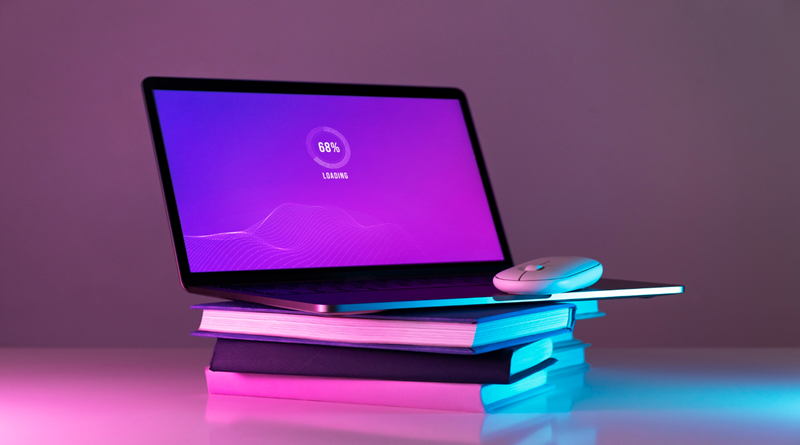
Top Laptop Features Every Student Needs
Choosing a laptop as a student is not only about its looks or the attractive price tag. Your laptop can be your classroom, your library, your research assistant, your note-taker and your project space, all rolled into one.
The right features can make studying faster and more convenient, but if you choose the wrong one, you’ll be stuck with slow performance, short battery life and persistent storage problems.
Performance That Keeps Up With Your Studies
A good student laptop should be able to handle everyday tasks such as browsing, writing assignments, attending online classes, watching lectures, and running several applications at once.
For most students, a modern Intel Core i5, AMD Ryzen 5, Apple M-series, or comparable processor provides a good balance between performance and cost.
RAM is equally important because it determines how comfortably your laptop handles multitasking. While 8GB can work for basic schoolwork, 16GB RAM is a better choice if you want your laptop to remain useful for several years.
Fast and Reliable Storage
Storage is another feature students should not overlook. A laptop with an SSD starts up faster, opens applications more quickly, and makes accessing coursework much smoother than older hard-drive technology.
A 256GB SSD may be enough for basic documents and cloud storage, but 512GB gives you more room for applications, presentations, videos, research materials, and personal files.
Long Battery Life and Easy Portability
Imagine sitting through lectures or studying in the library only to have your laptop shut down because the battery is almost empty. For students, battery life is a practical necessity, not a luxury.
Look for a laptop that can provide at least eight hours of real-world use, preferably more. A lightweight 13- to 15-inch laptop can also make a big difference when you are carrying it between classes, home, and study spaces.
A Comfortable, Clear Display
Students spend hours reading articles, typing assignments, viewing presentations, and researching online, so screen quality matters. A Full HD display or better can provide sharper text and clearer images, while an IPS panel offers better viewing angles.
A comfortable keyboard is just as important because you may use it for countless essays, reports, assignments, and research projects.
Useful Connectivity and Durability
A student laptop should also make it easy to connect accessories such as flash drives, external displays, headphones, and other devices. USB-C, USB-A, HDMI, and reliable Wi-Fi can save you from carrying unnecessary adapters.
Durability is worth considering too, especially when the laptop will travel regularly in a backpack. A strong build can help protect your investment throughout your academic journey.
Choose Features Based on Your Course
Finally, avoid paying for features you will never use. A student studying literature or business may not need the same processing power as someone studying architecture, engineering, programming, video editing, or graphic design.
Your course requirements should influence your laptop choice. For demanding academic software, extra RAM, stronger processors, better graphics, and additional storage may be worthwhile.

The best laptop for students is not necessarily the most expensive one. It is the device that gives you the right balance of performance, battery life, storage, portability, display quality, and durability for your everyday academic needs.
Before buying, think about what you actually do as a student and choose specifications that will support you beyond your first semester. A smart laptop purchase is an investment in smoother studying, better productivity, and fewer technology headaches.